Every photo from every guest, in one album.
Put one QR code on the tables. Guests scan it and add their photos, videos and messages straight to your shared album. No app to download, no account to make.
- Free to start
- One payment per event
- Works on any phone
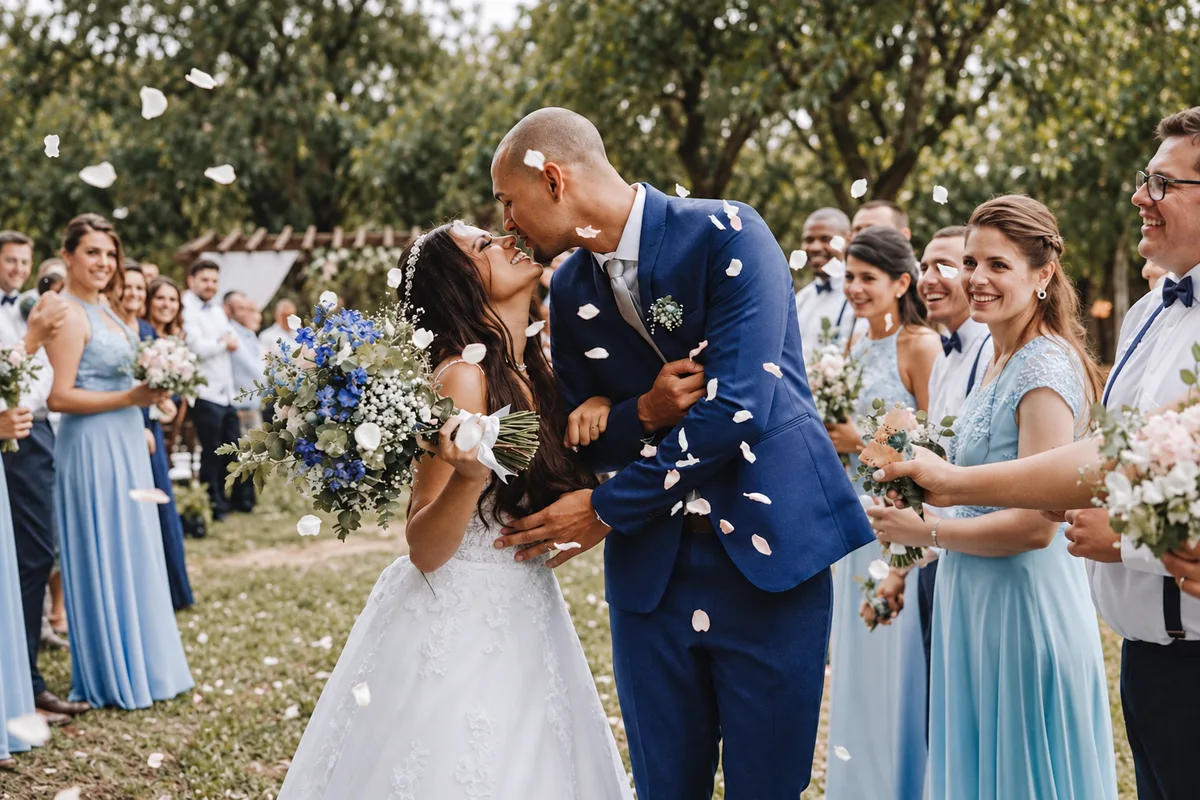
Hosts trust ReplayMyDay for weddings, birthdays, showers and reunions.
Set it up in a couple of minutes. Your guests do the rest.
- 1Create
Make your event page
Add a name, a cover photo and your colors. You get a QR code and a share link right away.
- 2Share
Put the code on the tables
Print table cards, add it to signs, or text the link. Guests open it with their phone camera.
- 3Collect
Get every photo, full size
Photos and videos arrive as originals in one album. Download everything in one go after the party.
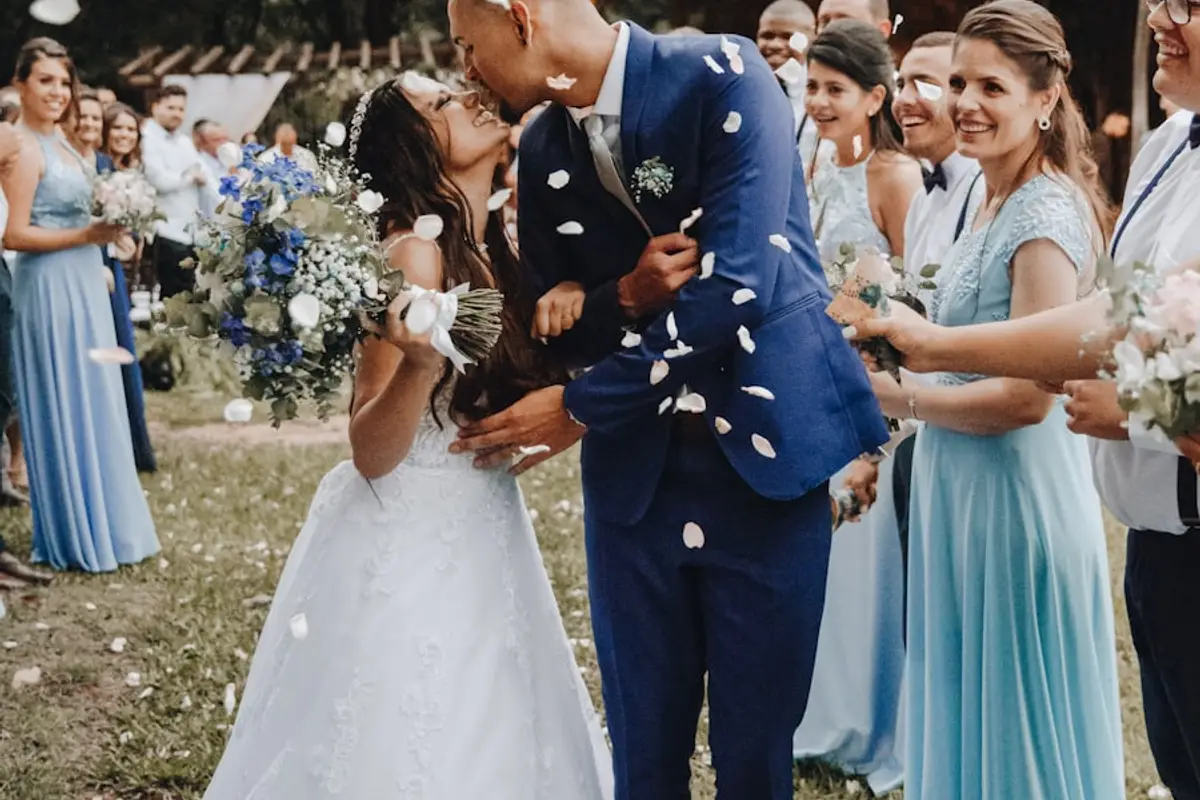


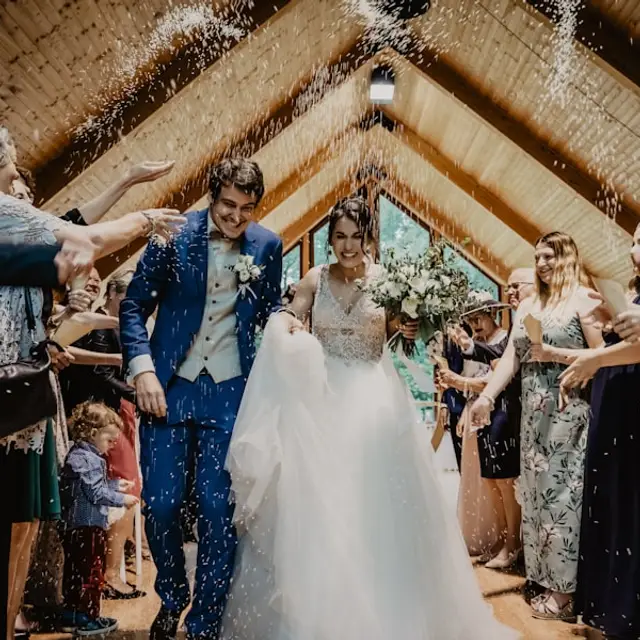
Made for guests with a drink in one hand.
Your guests never see a sign-up form or an app store. They point their camera at the code and land on your page, with one big button.
- Opens in the phone's browser
iPhone or Android. Nothing to install, no account to make.
- Up to 100 at a time
Guests pick straight from their camera roll, so the best shots come in all at once.
- Videos too
The first dance and the speeches, included on Plus and Premium.
- A note for the hosts
Guests can sign your digital guestbook right next to their photos.

Everything lands in one place. You stay in control.
No more chasing group chats and cloud links after the party. Your album, guestbook and slideshow live together.
Download all originals
Every photo and video arrives as the original file. Grab the whole album as one download, or let guests save their favorites.
A guestbook you won't lose
Messages land next to the photos, not in a book in a box.
Moderation in one tap
Hide or delete anything. Choose who can browse and download.
Your cover, your colors
The event page, album and slideshow all match your theme.
QR code and share link
Print it, post it, or text it. Ready the moment you create your event.
Put the party on the big screen.
Open the slideshow on a TV or projector and new uploads appear within seconds, with your QR code in the corner so more guests join in.
- Runs in any browser, full screen
- Optional approval before photos go on screen
- Matches your event colors
One price per event. No subscription.
Start free and choose a paid plan whenever you are ready, even after the party.
Free
Perfect for trying out ReplayMyDay
$0
Start free- Up to 500 photos or 2 GB collected
- First 100 photos and 50 guestbook entries visible
- 7-day retention
- QR code & share link
- Uploads through the day after your event
Starter
Great for small gatherings
$29per event
Choose Starter- Unlimited photo uploads
- All photos visible
- 3-month retention
- Download all originals
- Guest downloads enabled
- 1-month upload window
Plus
Perfect for larger events
$49per event
Choose Plus- Unlimited photos + videos
- 6-month retention
- Download all originals
- Guest downloads enabled
- Video transcoding included
- 3-month upload window
Premium
Maximum storage & features
$69per event
Choose Premium- Unlimited photos + videos
- 12-month retention
- Download all originals
- Guest downloads enabled
- Priority video transcoding
- 6-month upload window
One-time price per event. No monthly fees. The same prices apply when you create an event or upgrade from Free.
Do guests need to download an app or create an account?
No. Guests scan the QR code or open your link, type their name, and upload. It works in the browser on any phone.
Is the event public?
No. Only people with your link or QR code can see it, and it is not listed anywhere or indexed by search engines. You can pause it or hide individual uploads at any time.
What resolution are the photos?
Photos and videos are stored exactly as uploaded from the guest's phone. You download the originals, without compression or watermarks.
How long do I have access?
Guests can upload for 14 days after the event date. Your gallery stays available for 7 days on the free plan, 3 months on Starter, 6 months on Plus and 12 months on Premium, and you can download everything before it closes.
Can I try it before I pay?
Yes. Create a free event, scan your own QR code and upload a few photos. If it works for you, pick a plan when you are ready. You can also upgrade an event after it has happened.
Can guests upload videos?
Yes, on the Plus and Premium plans. Videos up to 1 GB each are accepted and appear in the gallery and slideshow.



Your guests are already taking the photos.
Give them one place to put them. Set up your event in minutes and start free.