Wedding Photo QR Code Sign Templates
Pick a design, add your event's QR code, and guests scan to share their photos straight to your album. No app needed.
Canva templates
Open any design in Canva, make your own copy, and swap the sample QR code for your event's code.

Precious Memories
Open in Canva: Precious Memories (opens in a new tab)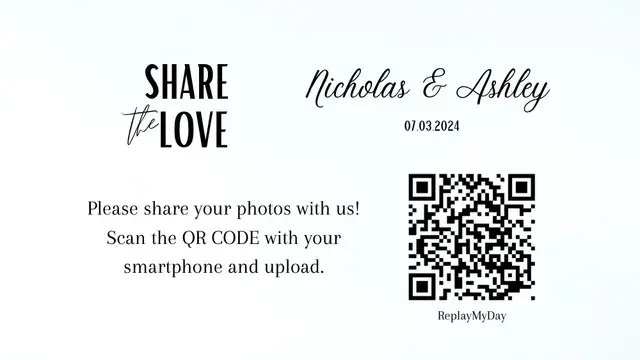
Share The Love
Open in Canva: Share The Love (opens in a new tab)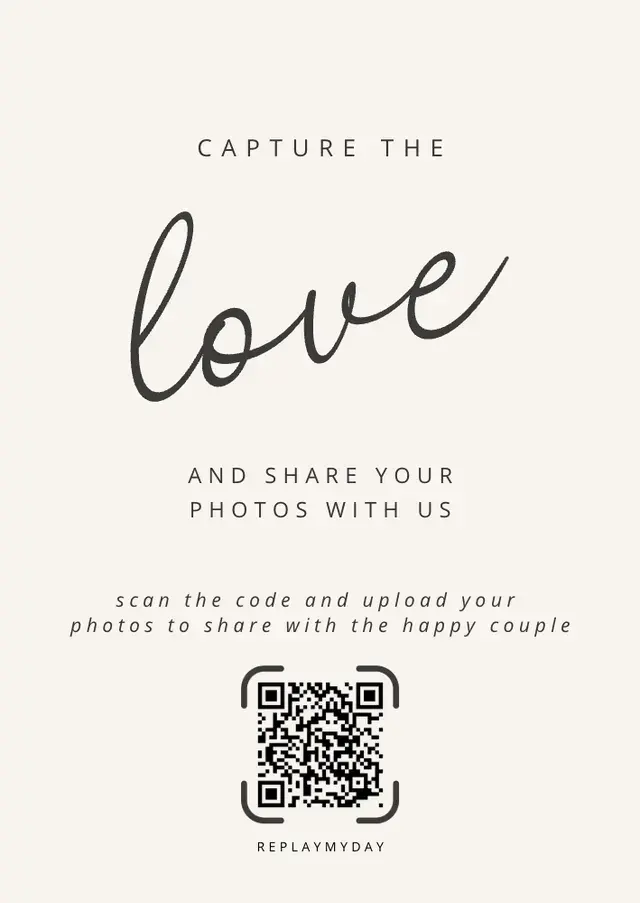
Cream Aesthetic Wedding Photo Sharing Card
Open in Canva: Cream Aesthetic Wedding Photo Sharing Card (opens in a new tab)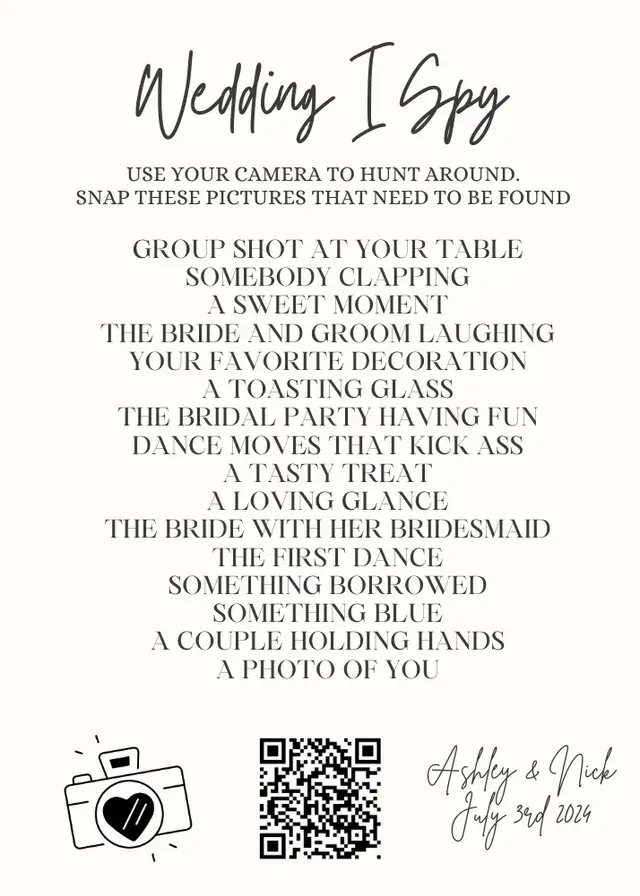
Wedding I Spy Card
Open in Canva: Wedding I Spy Card (opens in a new tab)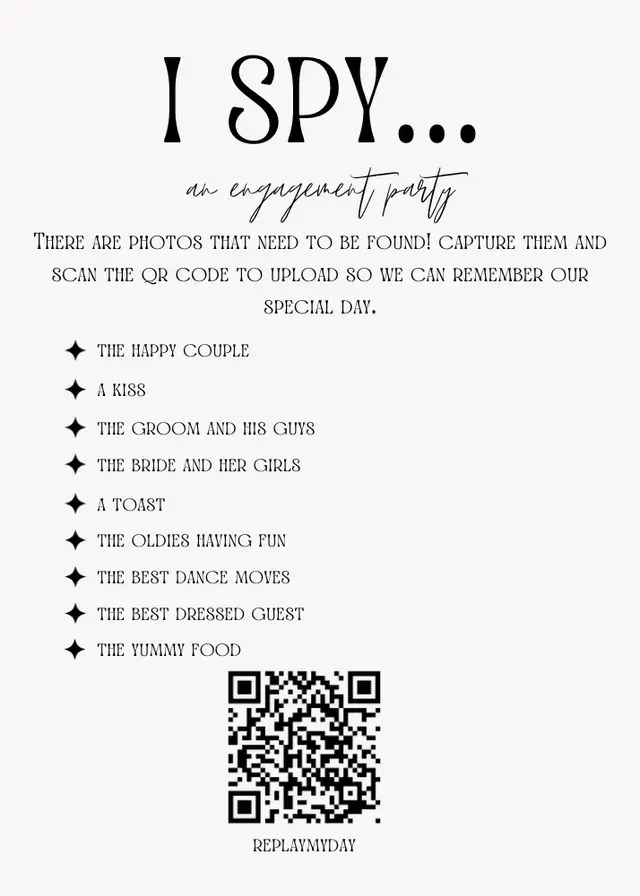
Engagement Party Game
Open in Canva: Engagement Party Game (opens in a new tab)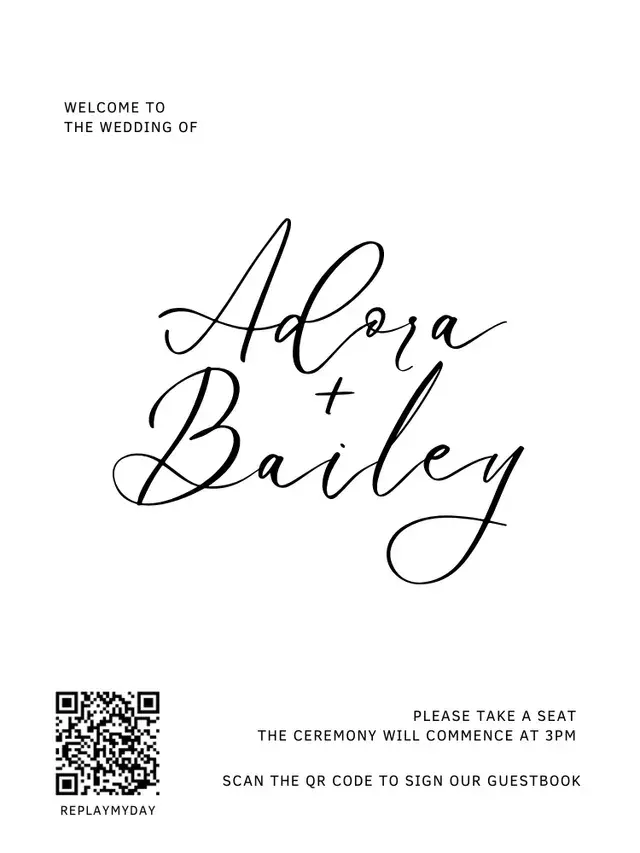
Welcome Sign
Open in Canva: Welcome Sign (opens in a new tab)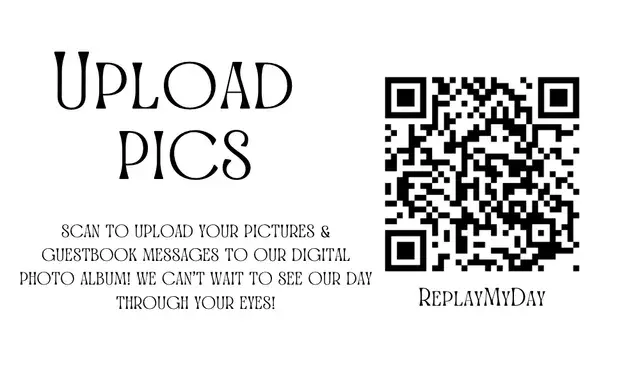
Upload Pics Card
Open in Canva: Upload Pics Card (opens in a new tab)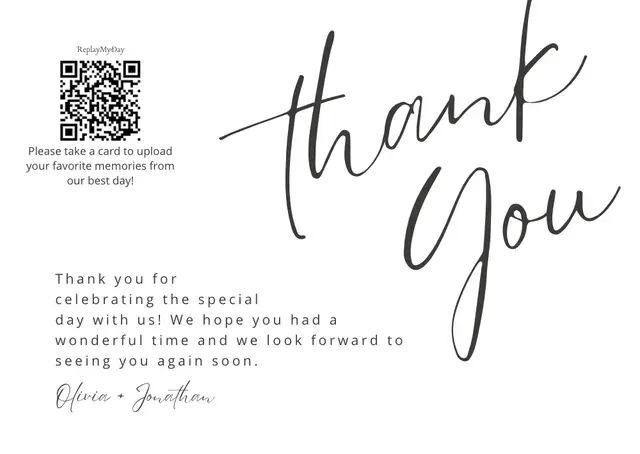
Wedding Thank You Card
Open in Canva: Wedding Thank You Card (opens in a new tab)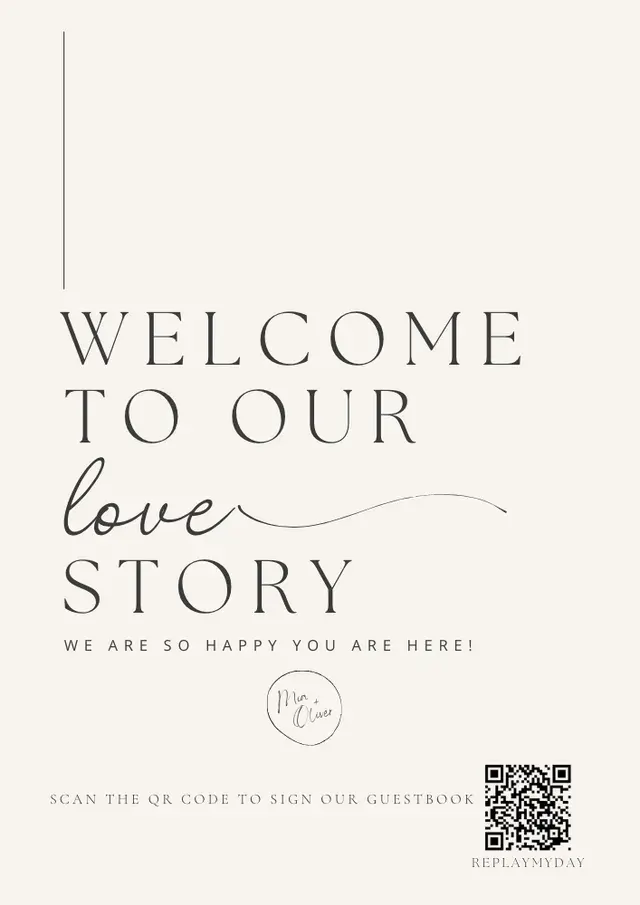
Wedding Welcome Guestbook
Open in Canva: Wedding Welcome Guestbook (opens in a new tab)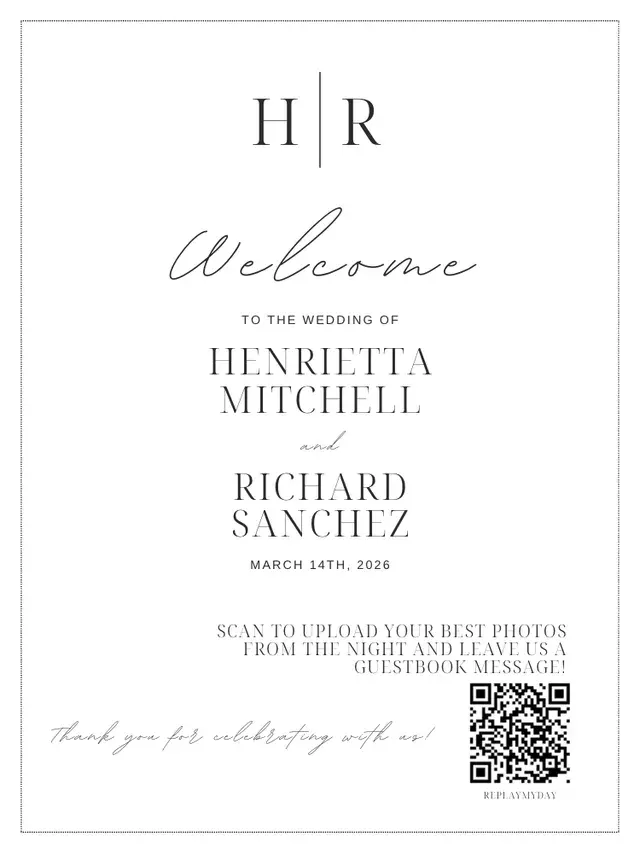
Wedding Welcome Sign
Open in Canva: Wedding Welcome Sign (opens in a new tab)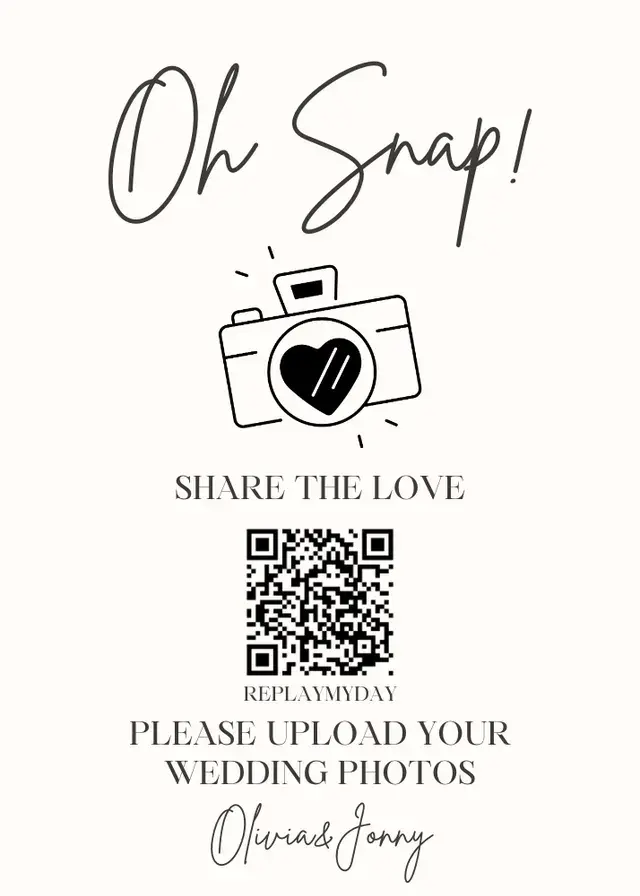
Oh Snap! Share The Love
Open in Canva: Oh Snap! Share The Love (opens in a new tab)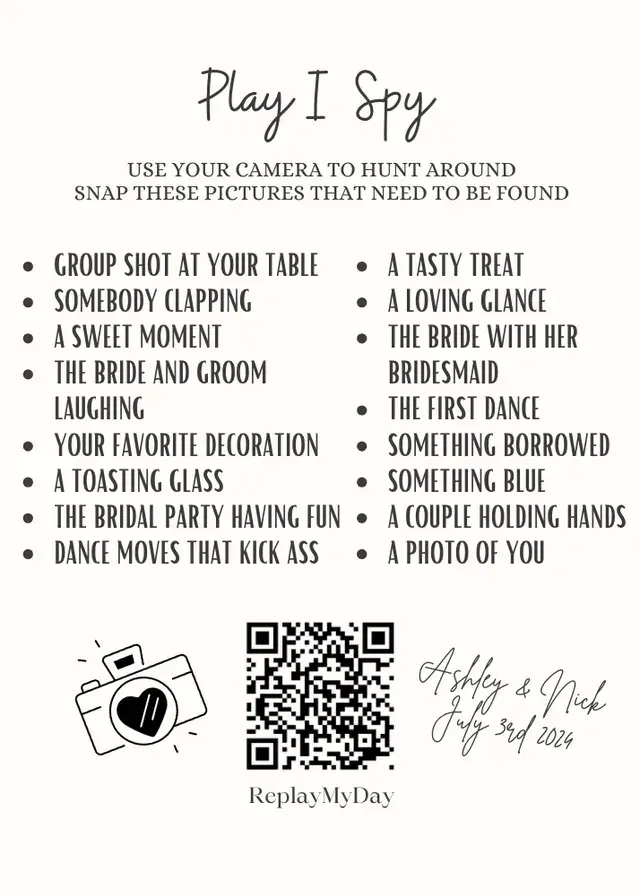
Print-ready signs included with every event
Don't want to design anything? Your event's Share & QR page has these three signs with your event name and real QR code already on them. Print from your browser, or download the QR code as a PNG or SVG.
Table card
4 × 6 in
Welcome sign
8.5 × 11 in
Tent card
5 × 7 in, folds to 5 × 3.5 in

The sample QR code above opens the demo guest page.
How to use a Canva template
Create a free event
Your event comes with its own guest link and QR code.
Download your QR code
Open your event's Share & QR page and download the code as a PNG, or as an SVG for print shops.
Open a design in Canva and make your own copy
Change the names, date, colors and wording.
Replace the sample QR code
Delete the QR code in the design and upload your own. The code printed in each template is a sample, not your event.
Test, print and display
Scan a test print with your phone, then print enough for your tables and entrance.
Sign wording you can copy
Short lines work best under a QR code. Only mention videos if your event is on Plus or Premium.
Scan to share your photos — no app needed
Help us relive the day! Scan to share your photos with us.
Snap · Scan · Share. Point your phone camera at the code to upload your photos.
Saw something we missed? Scan to add your photos to our album.
Share the love: scan to upload your favorite moments from tonight.
Scan to share your photos & videos — no app needed
Where to put your QR code signs
Welcome table or entrance
A large welcome sign where guests arrive tells everyone about the album before the ceremony starts.
Every reception table
Put a table card or tent card at each table. Guests can scan while they wait between courses and speeches.
Bar, dessert table and photo booth
Add a small card wherever guests wait in line or take photos.
Ask your DJ or MC to mention it
A short announcement during the reception reminds guests to scan the QR code on their table. Our guide to collecting wedding photos from guests has an announcement script and day-after reminder texts.
Printing tips
Test-scan a print first
Print one copy and scan it with a couple of phones before printing the rest.
Keep contrast high
Use a dark QR code on a light background, and avoid placing it over a busy photo.
Don't shrink the QR code
Keep it big enough to scan from a seat. The built-in table card prints it at 2.4 inches square.
Add a reminder line
Under the code, tell guests what happens next, such as “Opens in your browser. No app needed.”
Frequently asked questions
Are these QR code sign templates free?
Yes. You can browse every design here and open it in Canva. The printable table card (4 × 6 in), welcome sign (8.5 × 11 in), and tent card (5 × 7 in, folds to 5 × 3.5 in) are included with every ReplayMyDay event, including the Free plan.
Will the QR code in a Canva template work for my wedding?
No. The code in each Canva design is a sample. Replace it with your event's QR code, which you can download as a PNG or SVG from your event's Share & QR page. The print-ready signs in your dashboard already include your real QR code.
Do guests need to download an app?
No. Scanning the QR code opens your event page in the phone's web browser, where guests choose photos and upload them.
Can guests upload videos too?
Video uploads are available on Plus ($49) and Premium ($69) events. Free and Starter events accept photos only, so leave “videos” off your sign unless your event includes them.
What sizes are the printable signs?
Every event includes a table card (4 × 6 in), welcome sign (8.5 × 11 in), and tent card (5 × 7 in, folds to 5 × 3.5 in). Print them from your browser on letter paper, or download the QR code as an SVG for a print shop.
What does the Free plan include?
A Free event includes: Up to 500 photos or 2 GB collected; Uploads open through the day after your event; First 100 photos and 50 guestbook entries visible; 7-day retention; QR code & share link.
Get your event's QR code
Create a free event to get your guest link, QR code and print-ready signs. Guests scan and upload from their phone's browser.